



Connect French language learning to authentic and real-world STEM opportunities!
Connectez l’apprentissage de la langue française à des opportunités STIM authentiques et réelles !
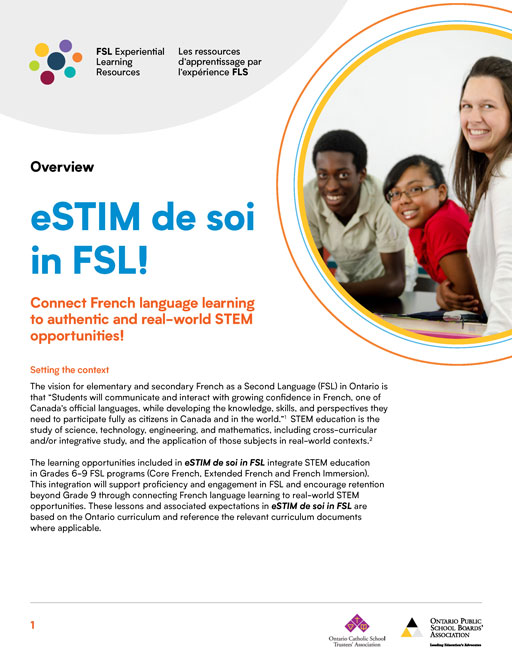
Overview
The following lesson plans will provide opportunities for teachers to embed STEM activities in their FSL classrooms. The purpose of these activities is to increase proficiency and engagement in the FSL classroom by providing students with opportunities to interact in French using STEM as a springboard for their interaction in French. These lessons offer an effective method of integrating expectations from different areas of the Ontario FSL, Math and Science curriculums.

Aperçu
Les plans de cours suivants permettront aux enseignants d’intégrer des activités STIM dans leurs classes de FLS. Le but de ces activités est d’accroître la compétence et l’engagement dans la classe de FLS en offrant aux élèves des occasions d’interagir en français en utilisant les STIM comme tremplin pour leur interaction en français. Ces leçons offrent une méthode efficace d’intégration des attentes de différents domaines du curriculum FLS, mathématiques et science de l’Ontario.

Aperçu
Les leçons D et E : Apprendre à communiquer et coder ensemble
For Educators
| Aperçu: Les leçons D et E |
|---|
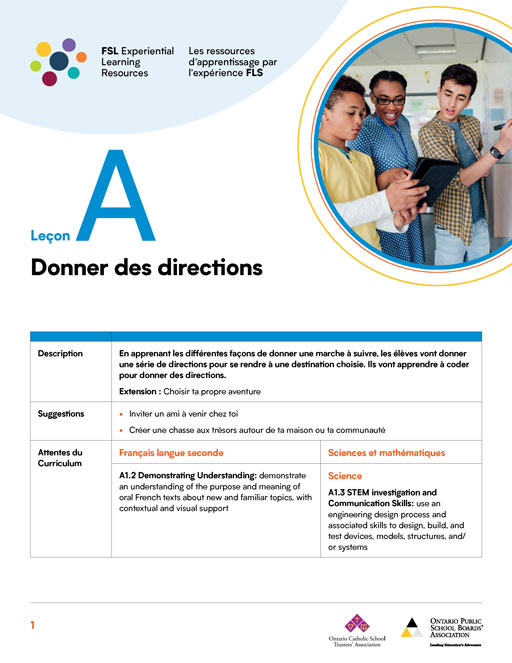
Leçon A
Giving Directions
Students will learn different ways to give directions in French in order to arrive at a specific destination. They will also learn how to code directions using Scratch.
Donner des directions
En apprenant les différentes façons de donner une marche à suivre, les élèves vont donner une série de directions pour se rendre à une destination choisie. Ils vont apprendre à coder pour donner des directions, surtout en utilisant Scratch.
For Educators
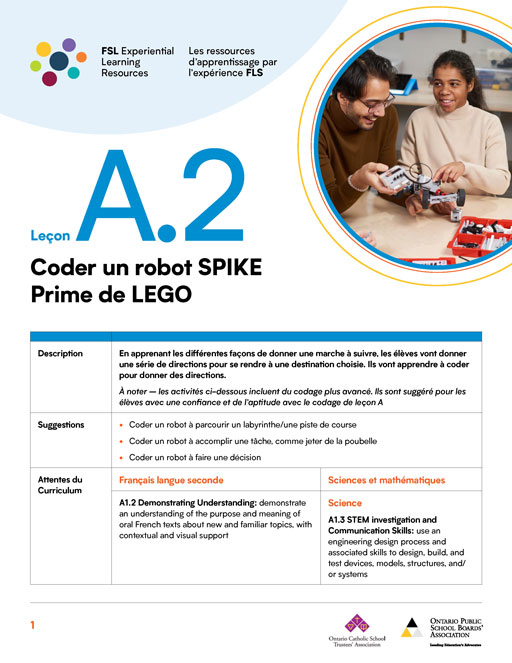
Leçon A.2
Coding a LEGO SPIKE Robot
Students will learn different ways to give directions in French in order to arrive at a specific destination. They will also learn how to code directions that will then be performed by a LEGO SPIKE robot.
Coder un Robot LEGO SPIKE Principal
En apprenant les différentes façons de donner une marche à suivre, les élèves vont donner une série de directions pour se rendre à une destination choisie. Ils vont apprendre à coder un robot LEGO SPIKE pour donner des directions.
For Educators
| Leçon A.2 | ||||
|---|---|---|---|---|
| A.2-1 : Introduction au LEGO SPIKE | ||||
| A.2-2 : Naviguer un labyrinthe | ||||
| A.2-3 : Lever un objet | ||||
| Tâche finale | ||||
| Vocabulaire leçon A.2 LEGO SPIKE | PPT | Canva | ||
Idées d’extension et d’adaptation – FSL Leçon A.2 Extension  |
| DiaposTuto LEGO SPIKE Principal | ||||
|---|---|---|---|---|
| 01 Introduction à LEGO SPIKE Principal | PPT | Canva | ||
| 02 Codez votre LEGO SPIKE Principal | PPT | Canva | ||
| 03 Mouvement de base | PPT | Canva | ||
| 04 Tournez votre robot | PPT | Canva | ||
| 05 Introduction au capteur de distance | PPT | Canva | ||
| 06 Utilisation du capteur de couleur | PPT | Canva | ||
| 07 Utilisation du capteur de force | PPT | Canva | ||
| LEGO SPIKE Principal – Déplacement | ||||
| LEGO SPIKE Principal Tourner | ||||
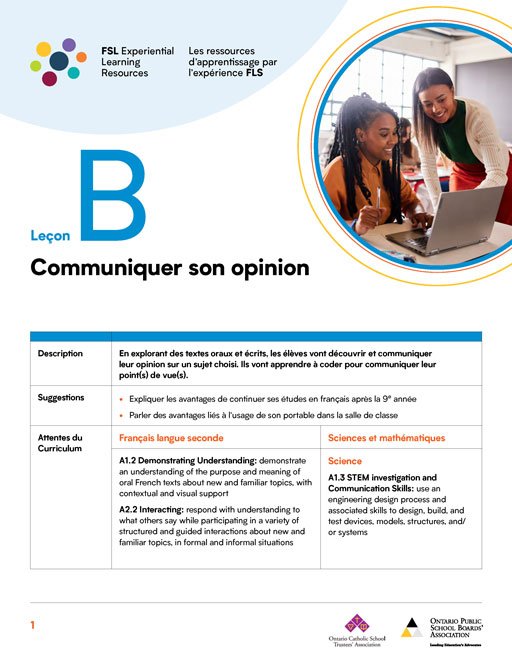
Leçon B
Communicating your opinion
While exploring oral and written texts, students will discover and communicate their opinion on a chosen topic. They will also learn how to communicate their opinion through coded animations using Scratch.
Communiquer son opinion
En explorant des textes oraux et écrits, les élèves vont découvrir et communiquer leur opinion sur un sujet choisi. Ils vont apprendre à coder pour communiquer leur point(s) de vue(s), surtout en utilisant Scratch.
For Educators
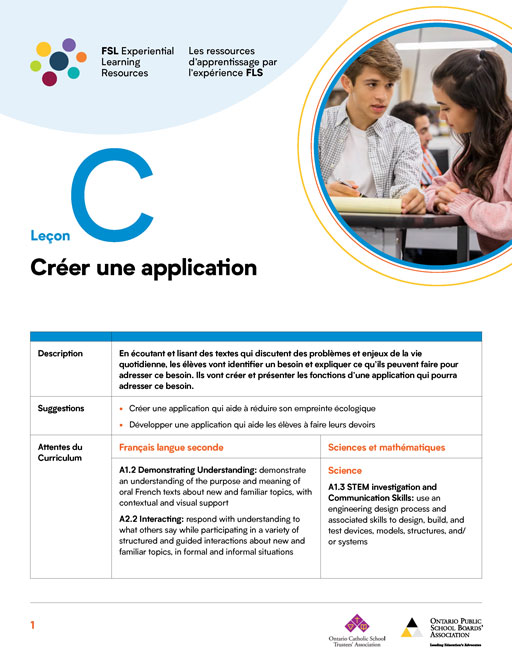
Leçon C
Creating an application (app)
While listening and reading texts that discuss problems that people encounter in daily life, students will identify a need and what they can do to address that need. They will design, create and present an application (app) that addresses their identified need. They will also have the opportunity to create a prototype of their app by coding it in Scratch.
Créer une application
En écoutant et lisant des textes qui discutent des problèmes et enjeux de la vie quotidienne, les élèves vont identifier un besoin et expliquer ce qu’ils peuvent faire pour adresser ce besoin. Ils vont créer et présenter les fonctions d’une application qui pourra adresser ce besoin. Ils auront aussi l’occasion de créer un prototype de leurs applis en écrivant du code en Scratch.
For Educators

Leçon D
A Day at the Fair
Following instructions, students will build a fairground ride or attraction using a LEGO SPIKE Prime kit and/or cardboard. Next, they’ll create a route to visit the fair’s attractions.
For Educators
| Leçon D | ||||
|---|---|---|---|---|
| D-1: Construction d’une attraction | ||||
| D-2: Visite à la foire | ||||
| Tâche finale | ||||
| Evaluation Grid | ||||
| Grille d’évaluation | ||||
| Vocabulaire leçon D | PPT | Canva | ||
| Idées d’extension et d’adaptation – FSL Leçon D Extension |
| DiaposTuto LEGO SPIKE Principal | ||||
|---|---|---|---|---|
| 01 Introduction à LEGO SPIKE Principal | PPT | Canva | ||
| 02 Codez votre LEGO SPIKE Principal | PPT | Canva | ||
| 03 Mouvement de base | PPT | Canva | ||
| 04 Tournez votre robot | PPT | Canva | ||
| 05 Introduction au capteur de distance | PPT | Canva | ||
| 06 Utilisation du capteur de couleur | PPT | Canva | ||
| 07 Utilisation du capteur de force | PPT | Canva | ||
| LEGO SPIKE Principal – Déplacement | ||||
| LEGO SPIKE Principal Tourner | ||||

Leçon E
Expressing Oneself through Artificial Intelligence
Students will research and use artificial intelligence to create works of art that communicate an important message that is meaningful to them. Students will learn different uses for artificial intelligence and will engage in discussions about how it can be used ethically by examining its advantages and disadvantages.
For Educators
| Leçon E | ||||
|---|---|---|---|---|
| E-1: Exprimer des émotions et des messages | ||||
| E-2: Faire du graffiti en utilisant Scratch | ||||
| E-3: Examiner l’intelligence artificielle | ||||
| Tâche finale | ||||
| Evaluation Grid | ||||
| Grille d’évaluation | ||||
| Vocabulaire leçon E | PPT | Canva | ||
| Idées d’extension et d’adaptation – FSL Leçon E Extension |
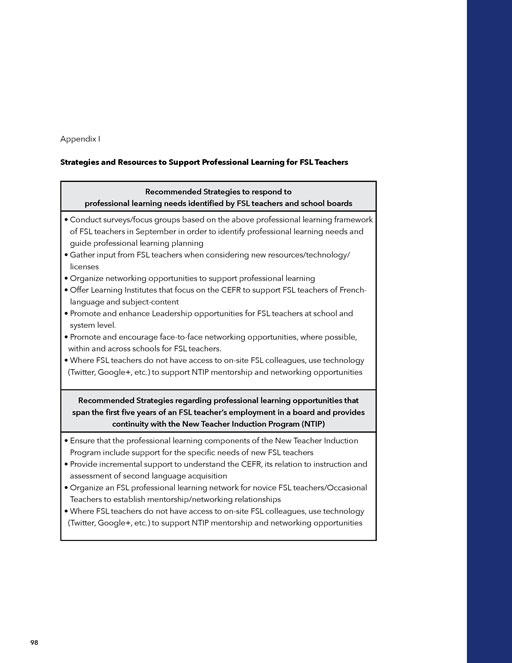
Additional “Growing Our Own” Strategies
FSL Educators
This strategy refers to ensuring that we continually value, engage and build capacity of our existing FSL staff:
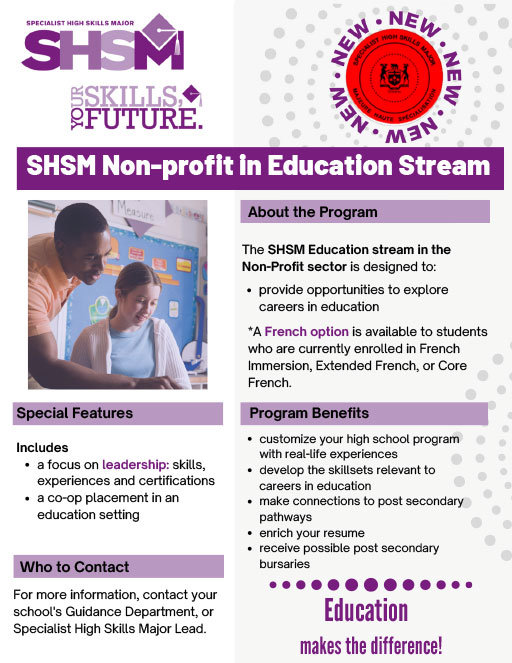
Specialist High Skills Major
The new Non-Profit Specialist High Skills Major (SHSM) in Education French as Second Language (FSL) stream is being offered for the first time in the 2022-23 school year. It encourages Grade 11 and 12 students in core/basic, extended and French Immersion programs to pursue a career in FSL education.